
Bar-quality cocktails,
mixed at home.
Everything you need to mix like a bartender. A curated canon of classics. Signature originals from renowned bartenders. Every recipe, beautifully presented.

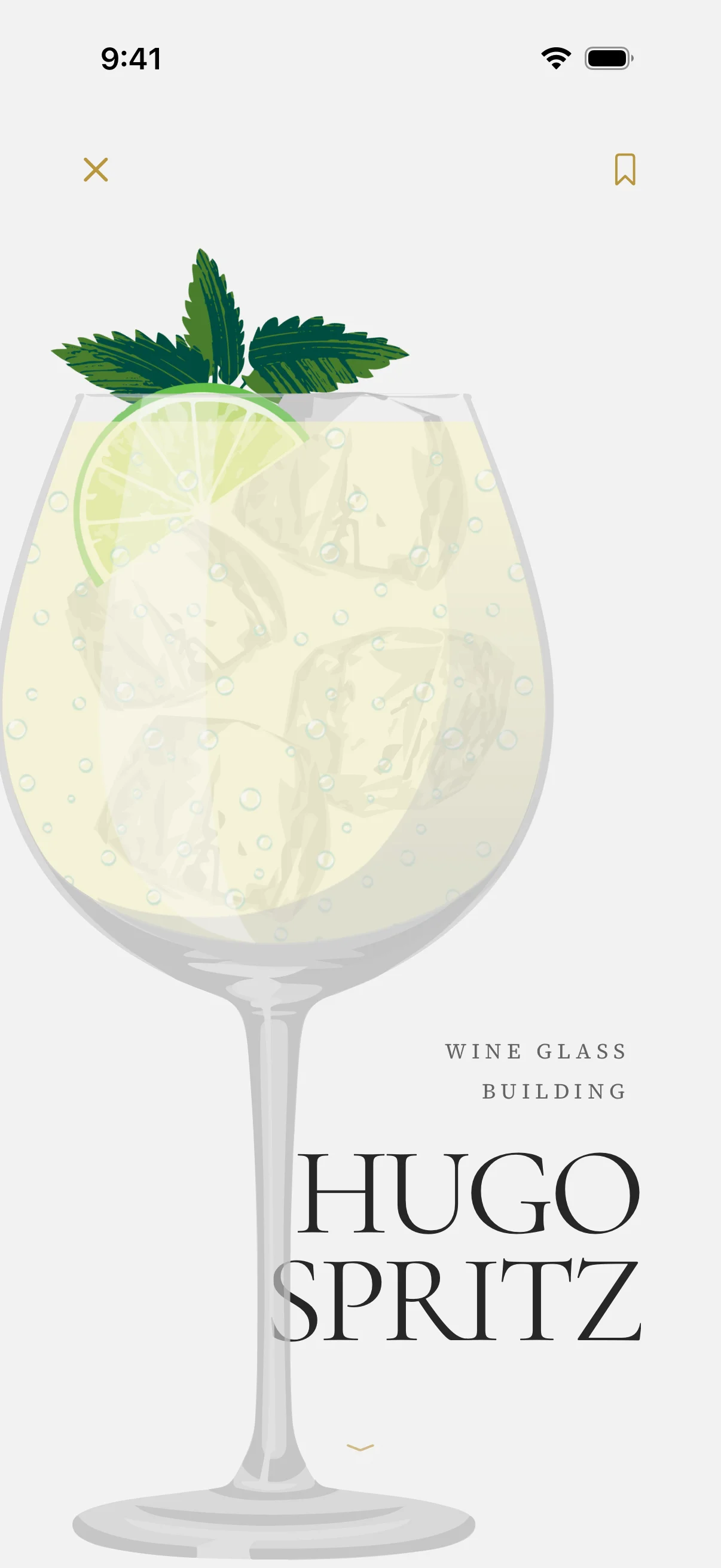
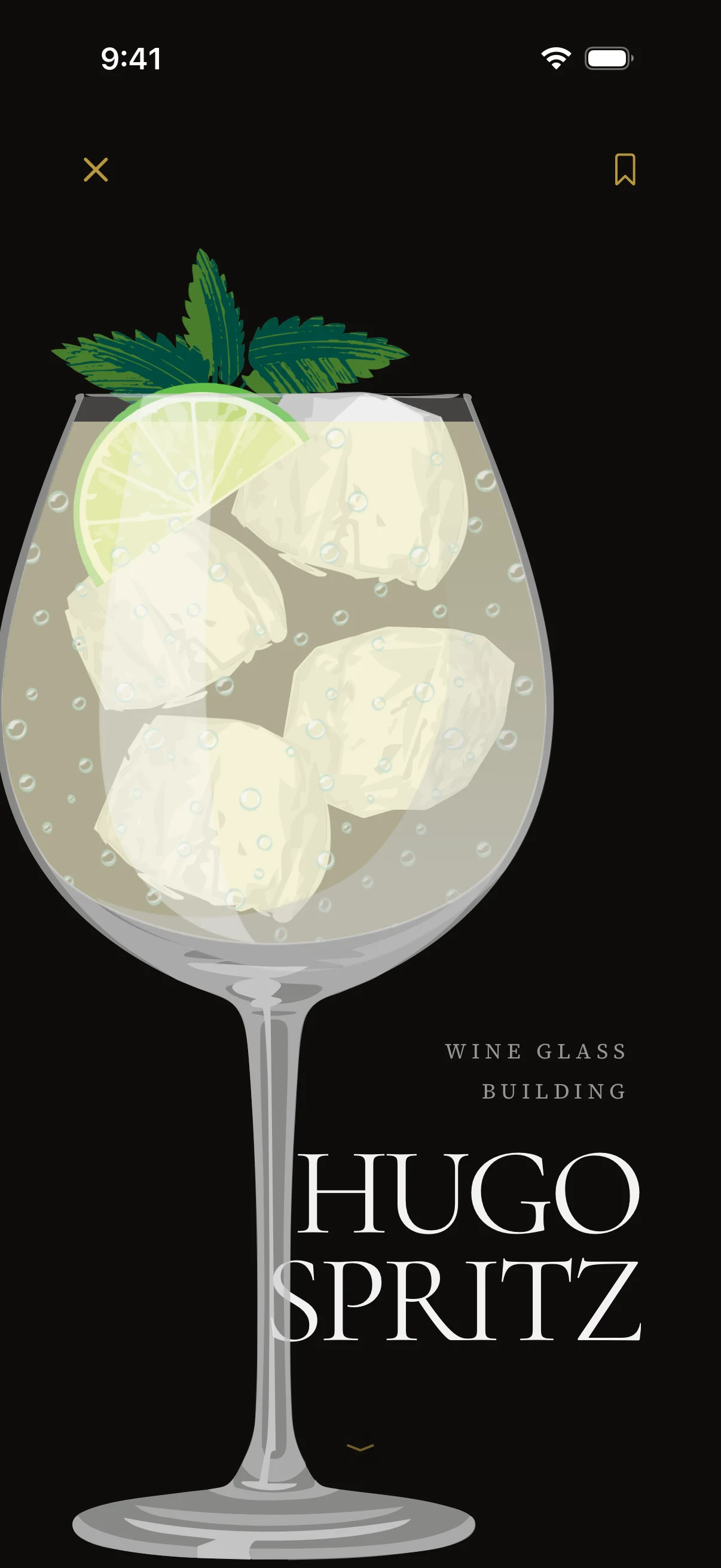
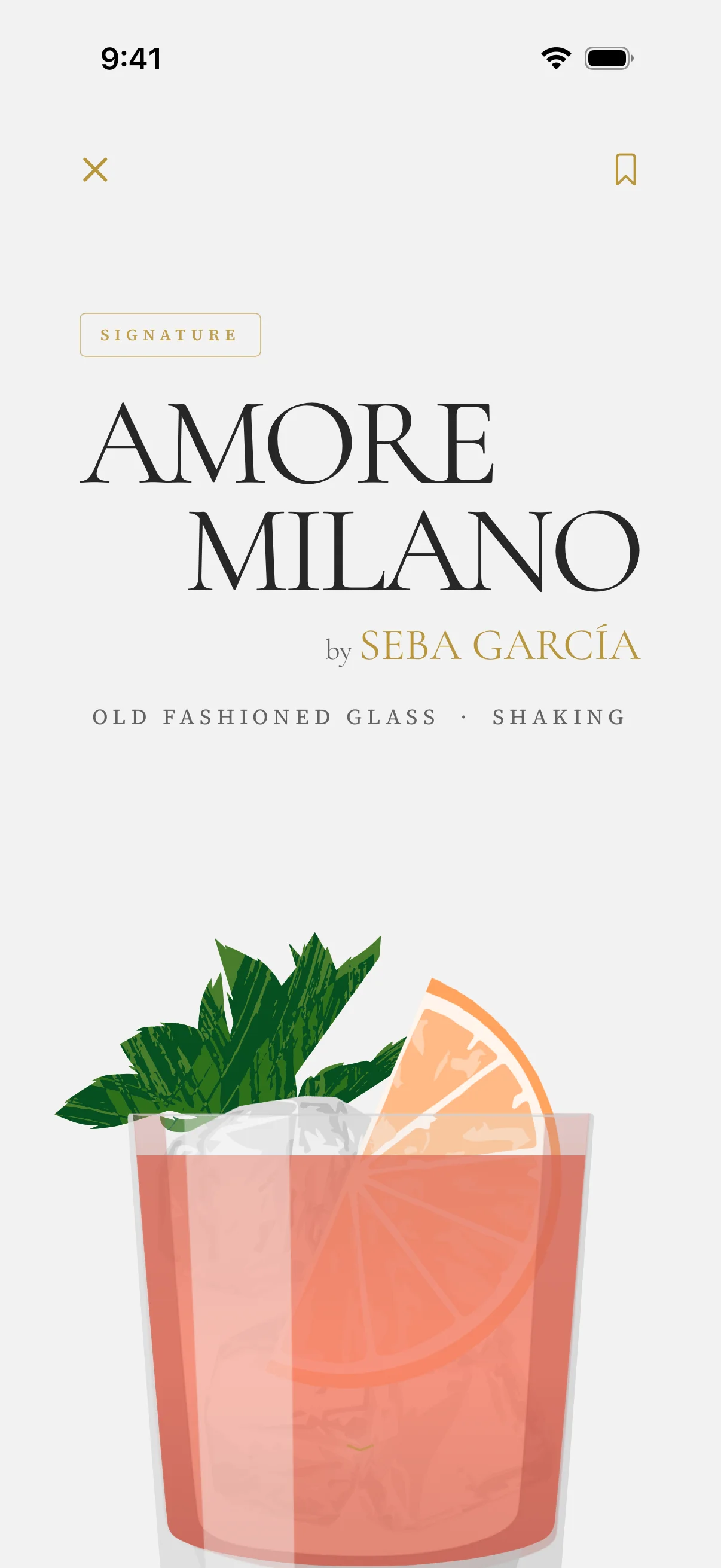
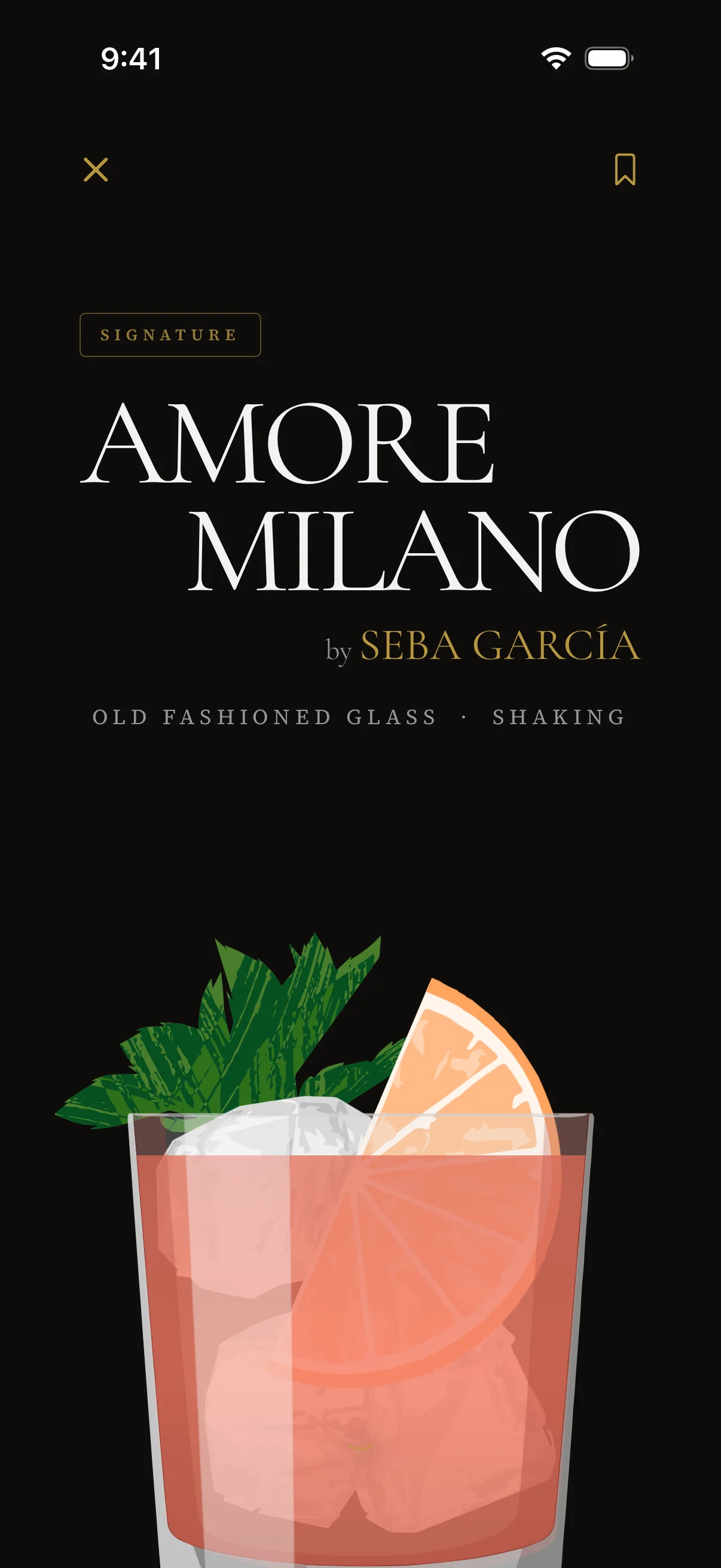
Curated by people. Not algorithms.
Every visit opens on a new chapter — collections chosen by editors who know the difference between a Negroni and a Boulevardier.
Editorial front page. Collections, calendar events, and the latest cocktails.
Your bookmarks, bucketed by what you can pour right now.
Your owned ingredients. A live menu of everything you can mix.
Find a drink by name, by what's in your bar, or from anywhere on iOS.
A new cocktail on your home screen, every day.
Search. Any angle. Anywhere on iOS.
Find a cocktail any way you think about one. Type a name, stack ingredients you have, tap a quick filter, or hit What I Can Make Now — and pull it all up from Spotlight without ever opening the app.
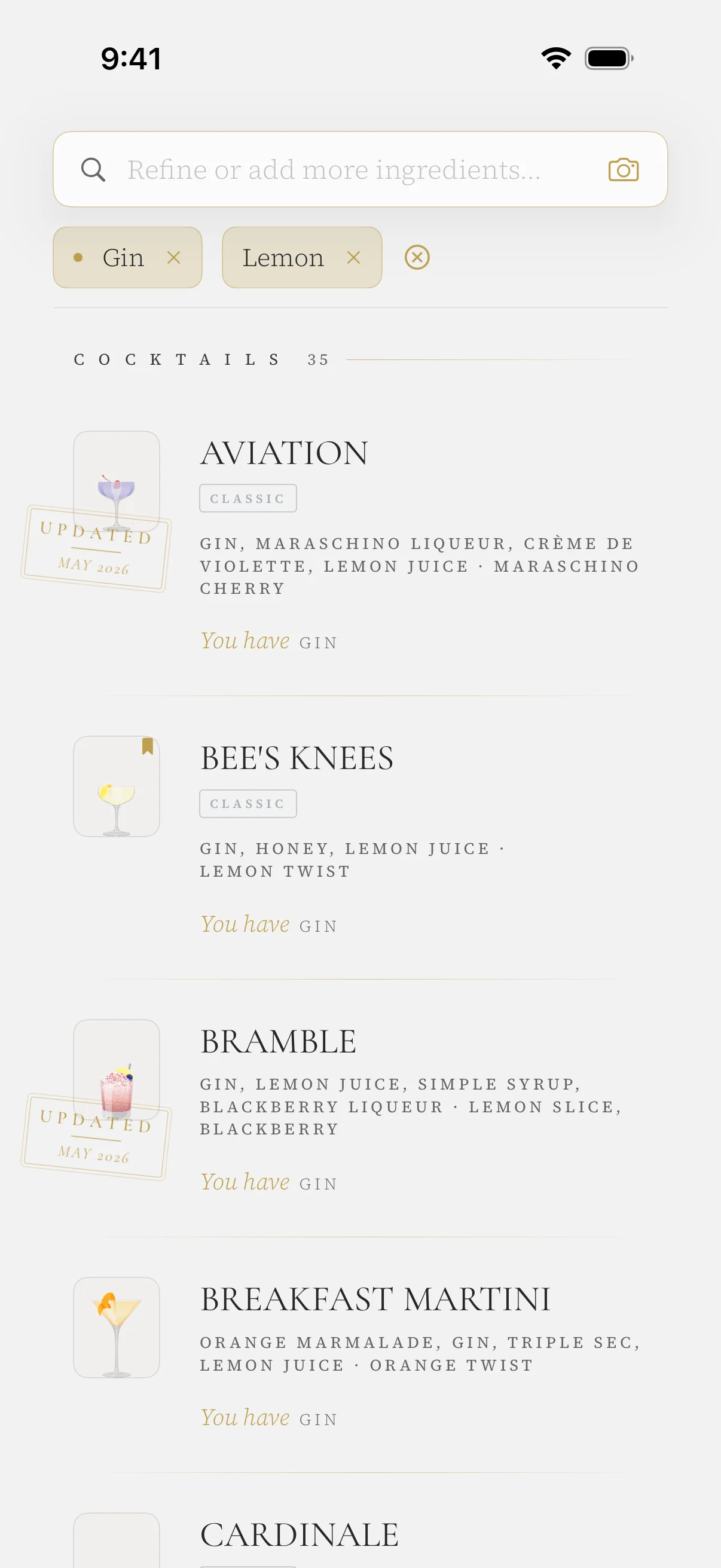
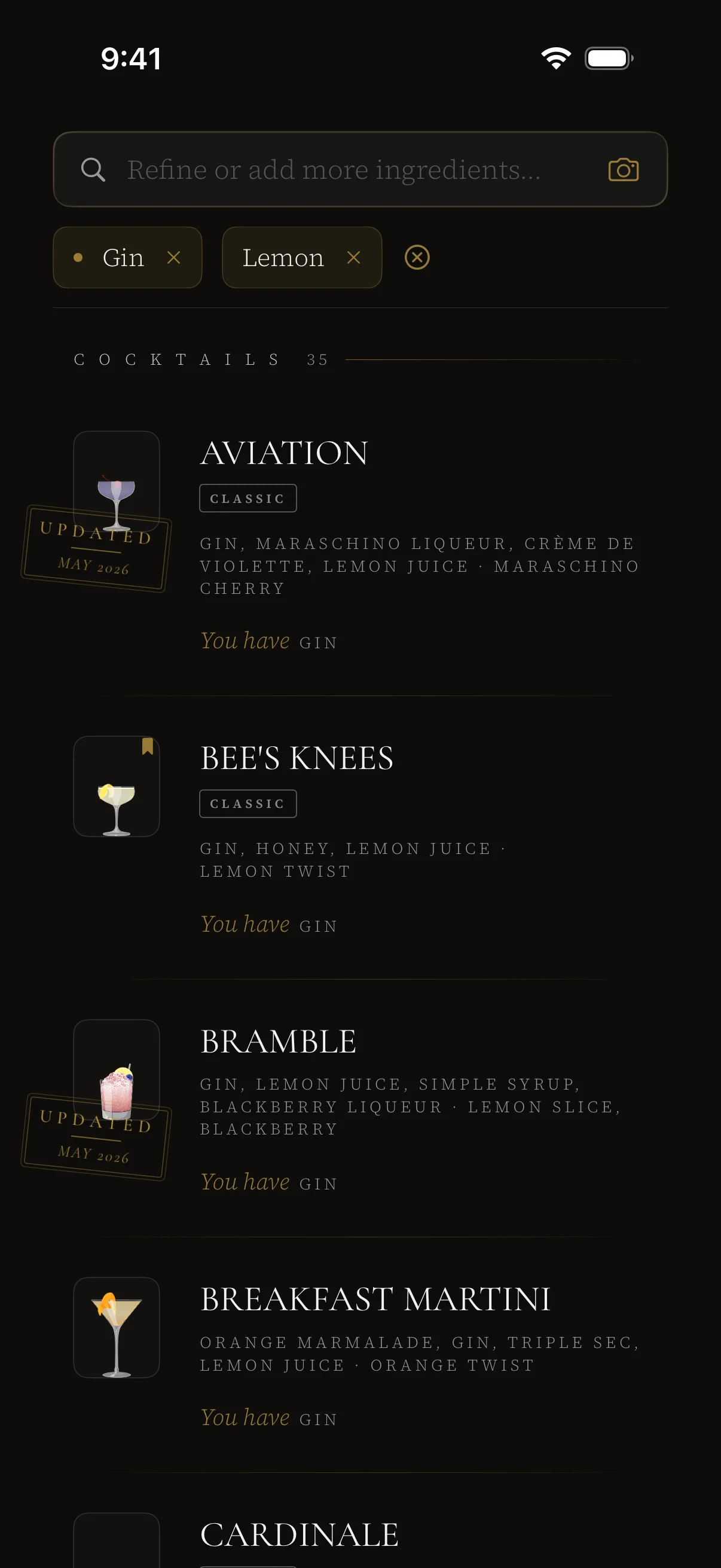
Find it by name. Or by what you have on hand.
Type a cocktail. Type an ingredient. Stack them together and the list narrows to only the drinks that match. Progressive, stackable filters — tap to add, tap to remove, and the results re-flow underneath with animation. The search landing puts quick filters, your recents, and a one-tap What I Can Make Now button right at the top.
Not in the app? No problem — we've got you covered on Spotlight too.
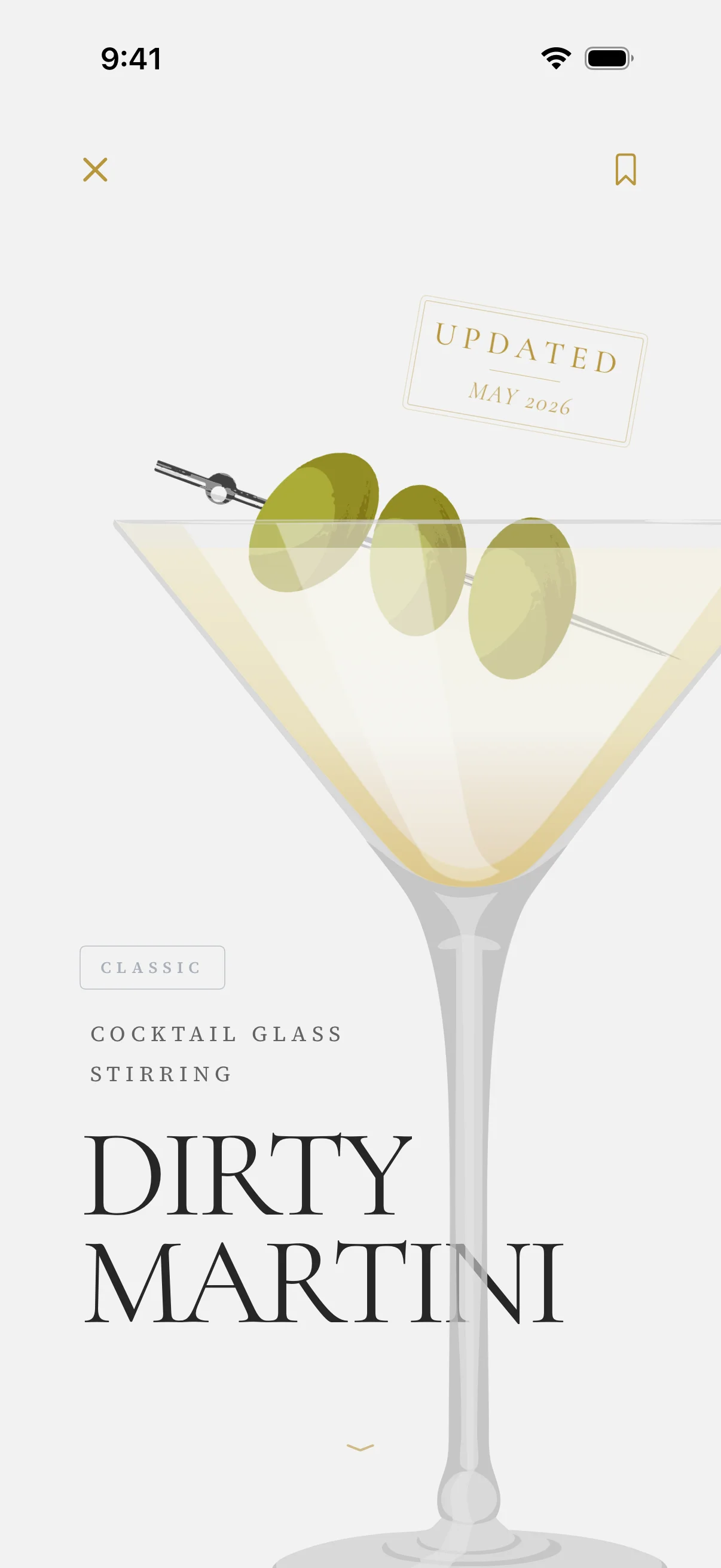
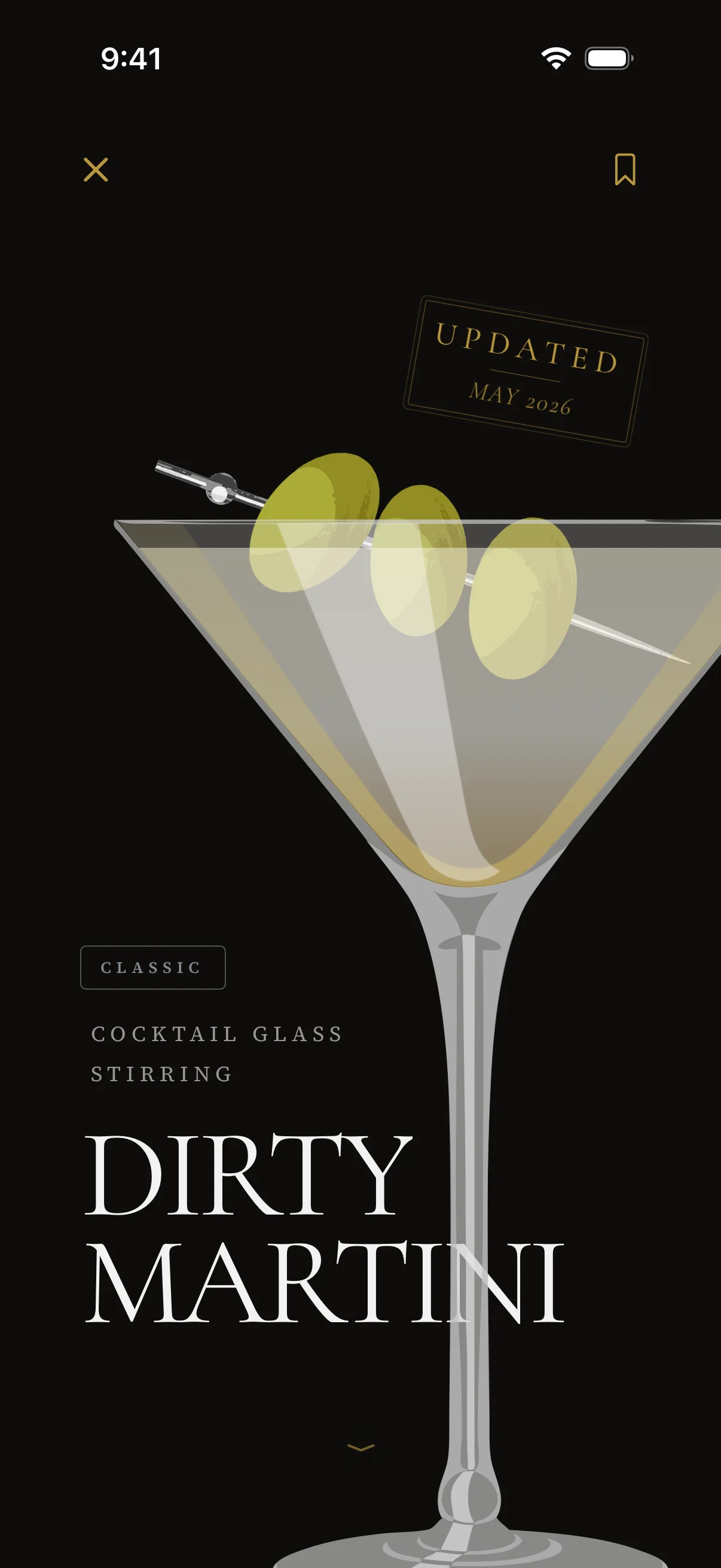
The Recipe. Bar-quality. Beautifully presented.
Classics curated by experts. Signature originals from renowned bartenders. Anything already in your bar is highlighted. Substitutions and house-made syrups sit a tap away.
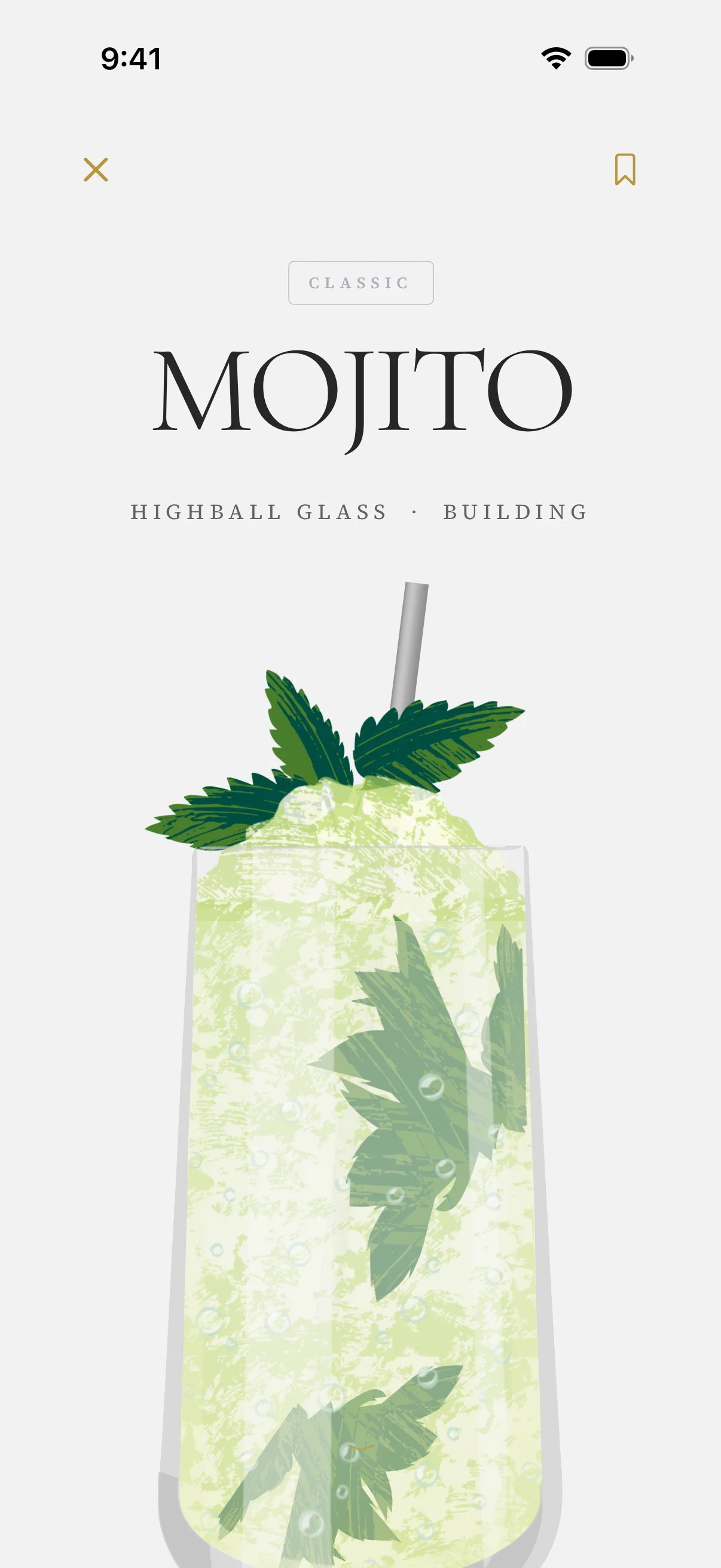
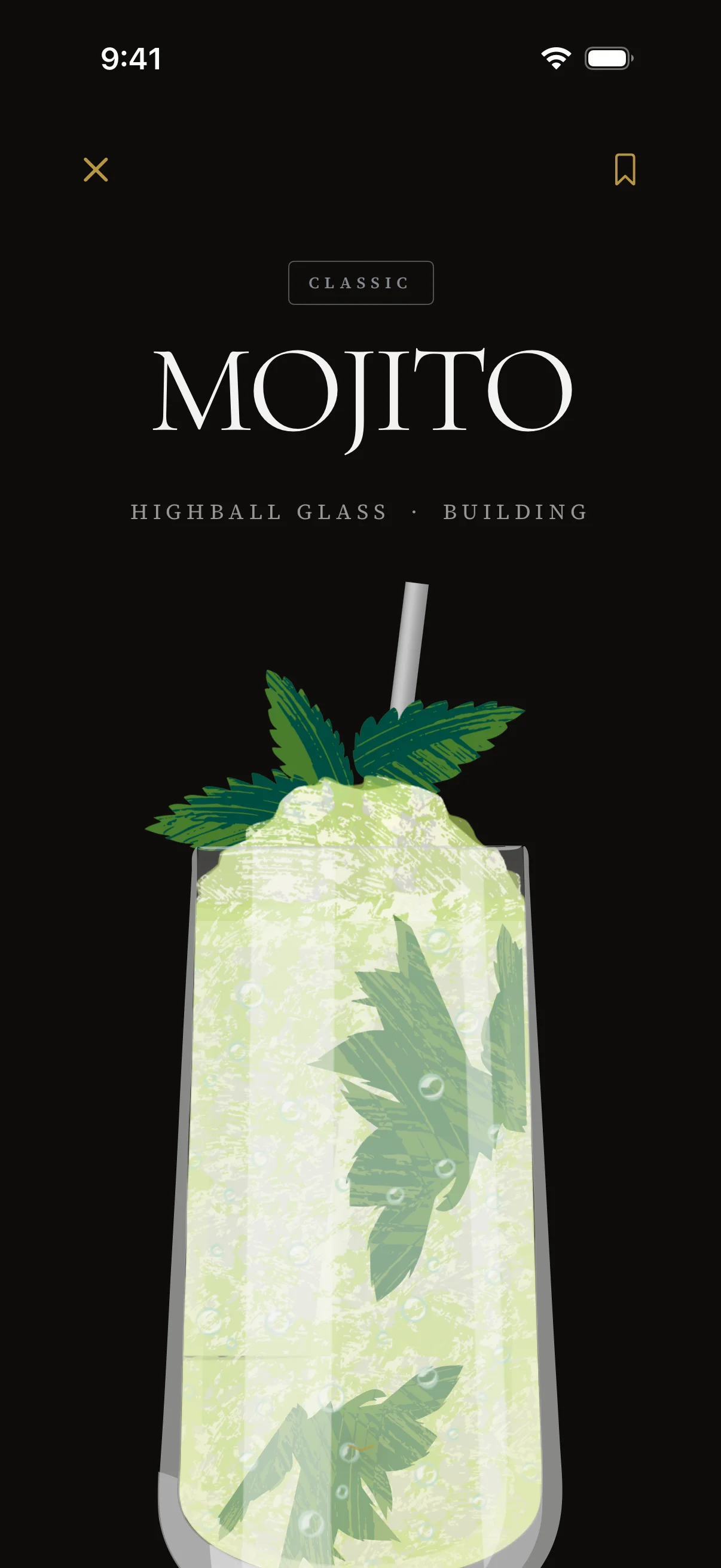
Every detail. One tap away.
Tap an ingredient to swap it, tap a house-made syrup to see the recipe behind it, flip quantities between Oz, mL, and cL. Tap any name on a signature cocktail — meet the bartender, visit the bar.
My Drinks. Your collection, sorted by possibility.
Bookmark any cocktail and Drinxer sorts it for you. Ready to Pour if you have everything. Almost There if you're a bottle away. Worth the Wait for the bucket list. Or browse your bookmarks A–Z.
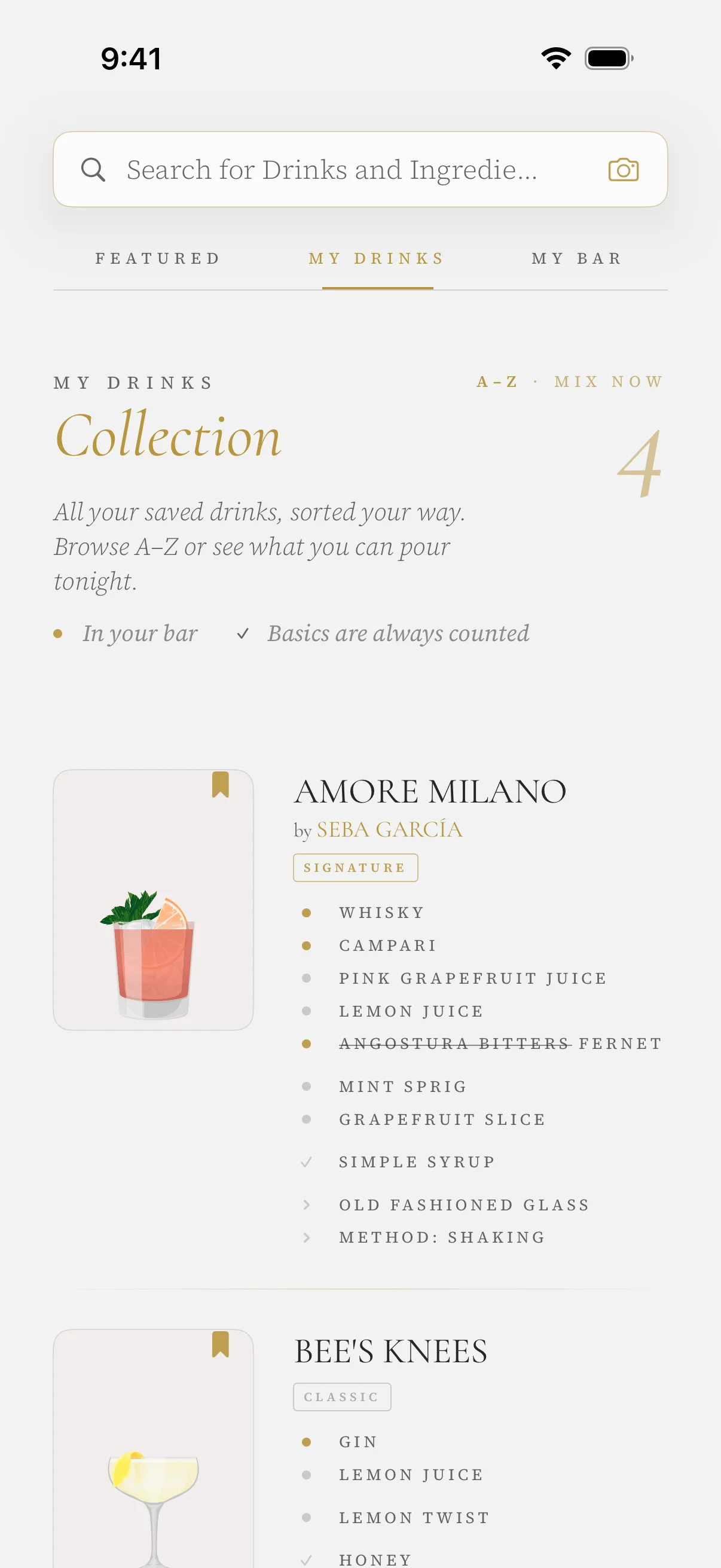
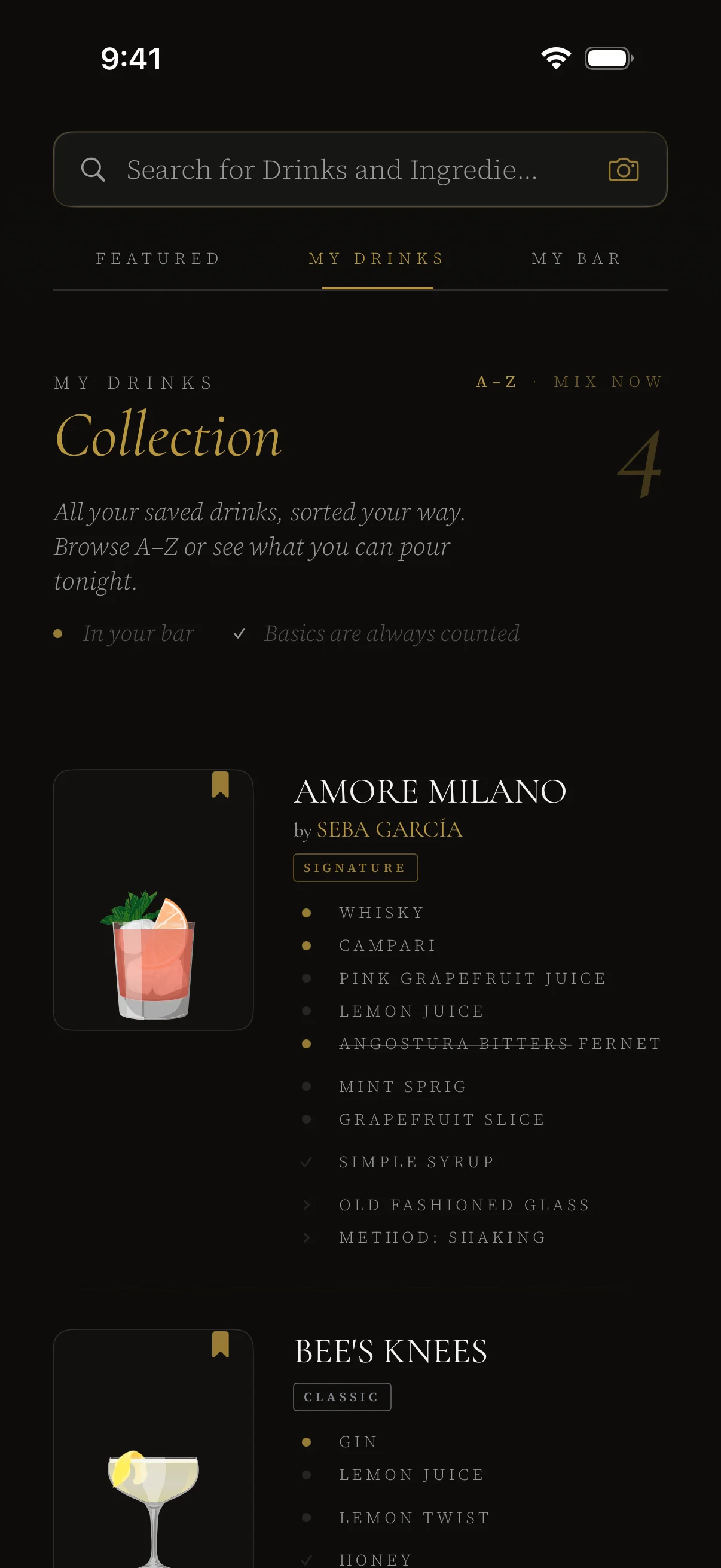
Sorted by possibility. One trip to the store.
Bookmarked cocktails sort themselves into three availability buckets based on what's in your bar — Ready to Pour, Almost There, Worth the Wait — plus a clean A–Z view of everything you've saved.
My Bar. Know what you have. Know what to make.
Drinxer organizes your ingredients by category — spirits, liqueurs, mixers, herbs — and turns the list into a live menu of everything you can mix right now.
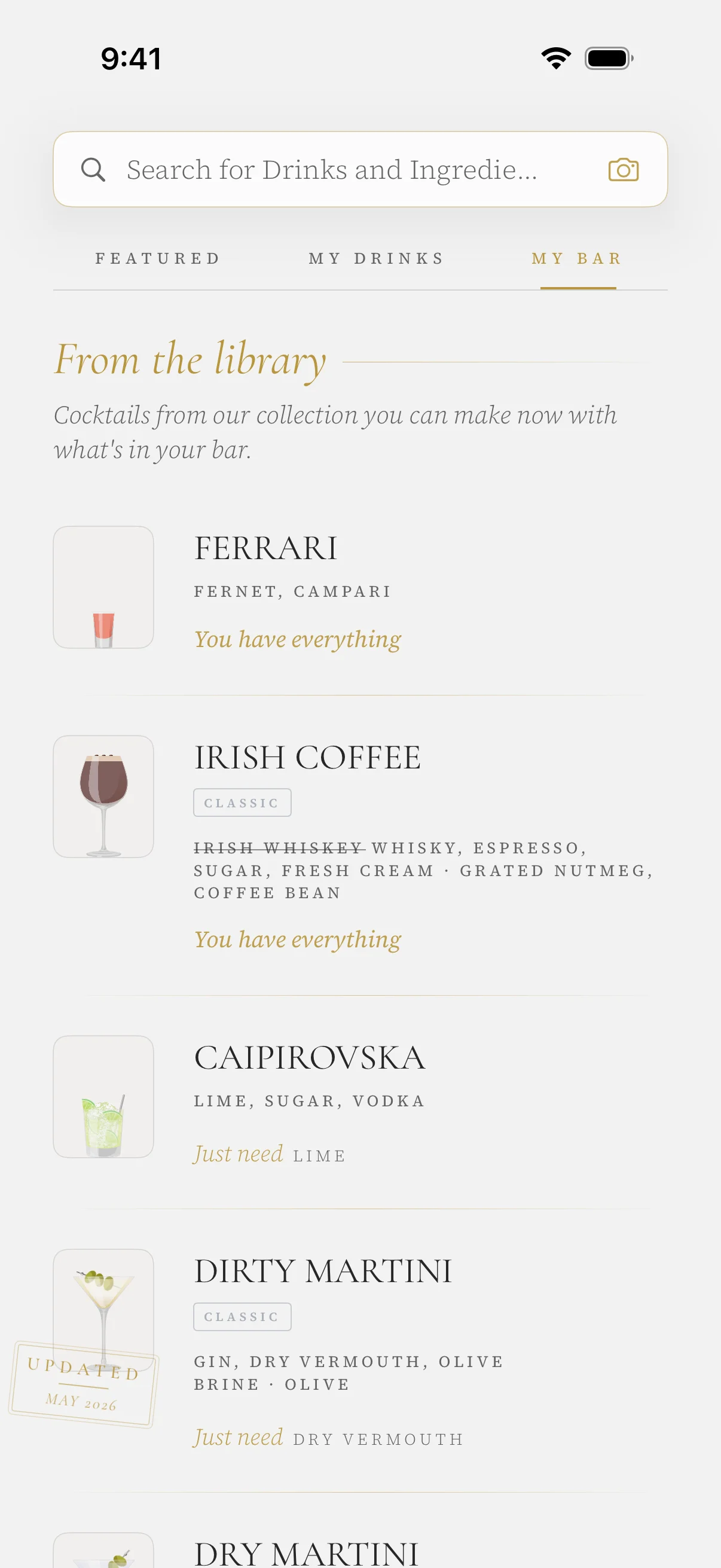
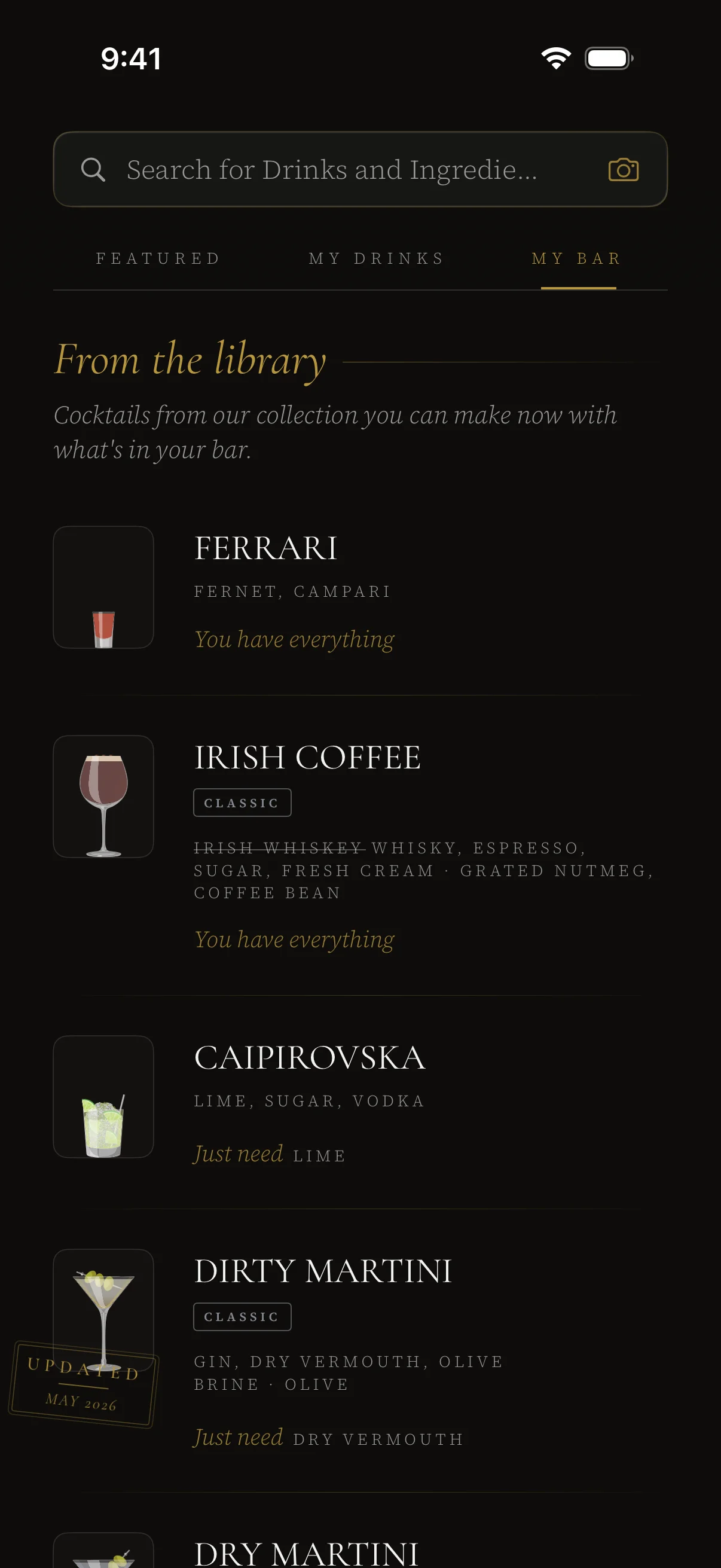
A live menu of everything you can mix right now.
Your ingredients, grouped by category — spirits, liqueurs, mixers, herbs. Add by typing, tapping, or pointing your camera with the Scanner. The From the Library section surfaces drinks you can currently make — or are close to making. The more you add, the more the app opens up.
The Scanner. Point at anything. Skip the typing.
Point your camera at a bottle and Drinxer reads the label. Point it at a lime and it recognizes the fruit. Add what you spot to your bar — or jump straight to every drink that uses it.
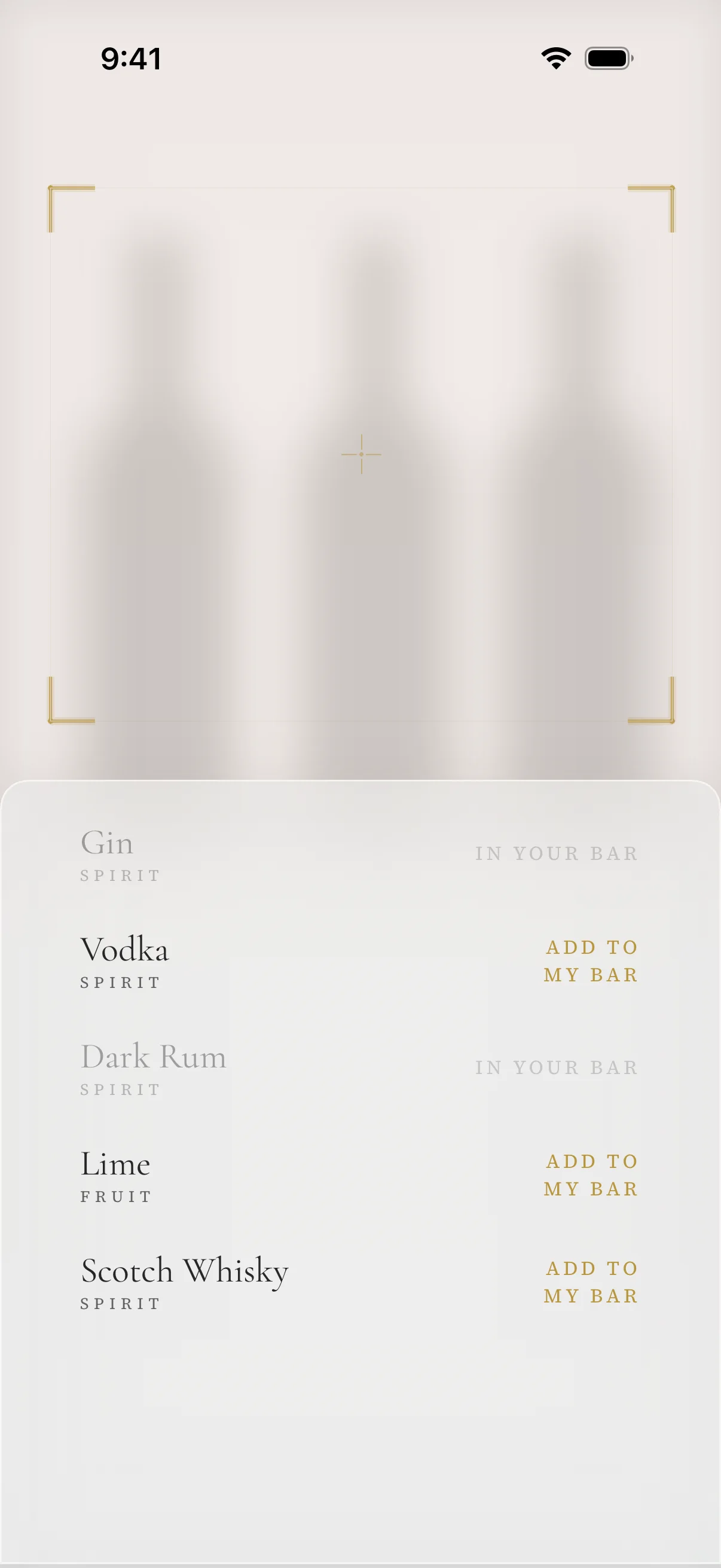
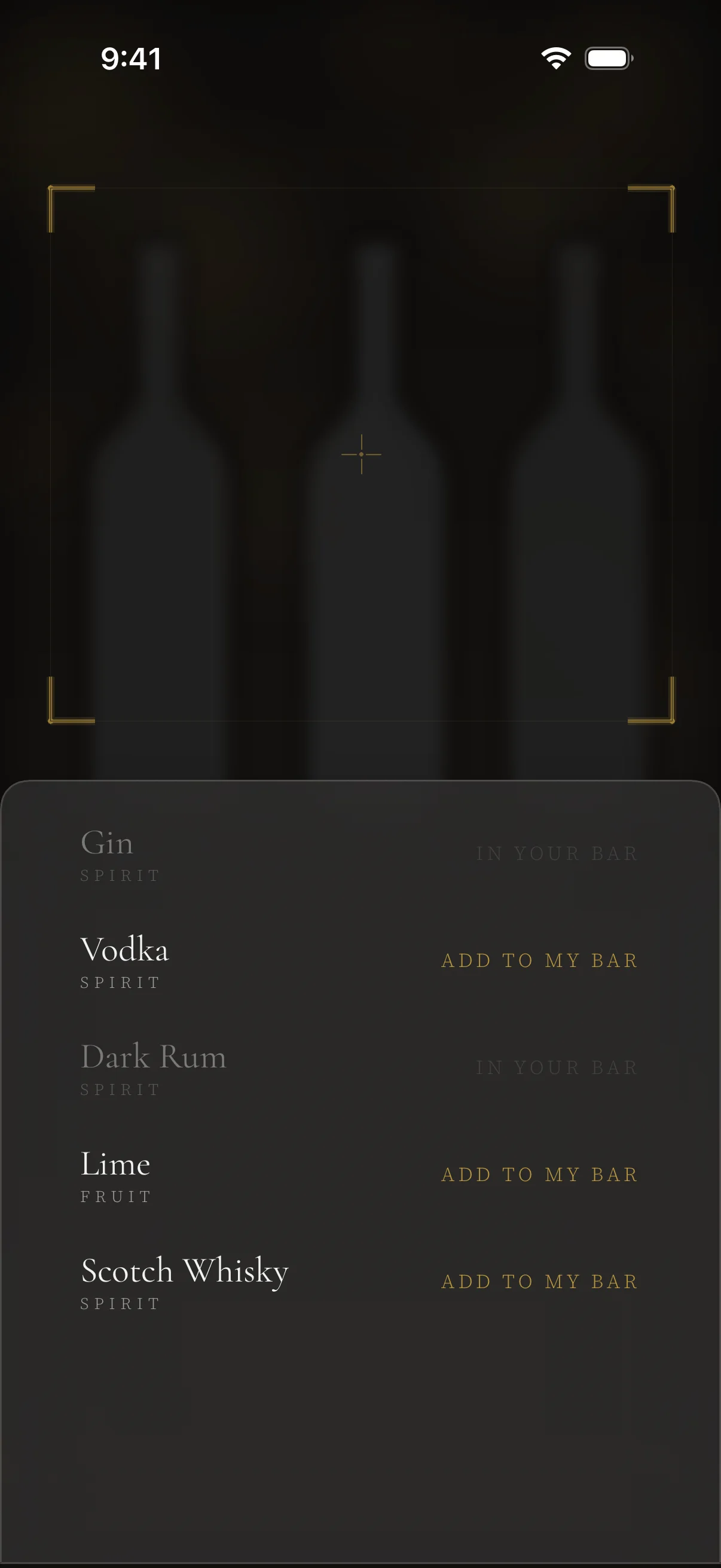
Point. Identify. Mix.
Two ways to use it. Tap to add what you scanned to My Bar, or pull up every cocktail that uses it. No typing. No searching.
Currently in beta — getting sharper with every release.
This Round. Cocktails are better in good company.
Hosting something? Set the guest count once and the recipe scales instantly — quantities, garnishes, prep steps. Dashes and splashes stay per drink, because some things shouldn't be math.
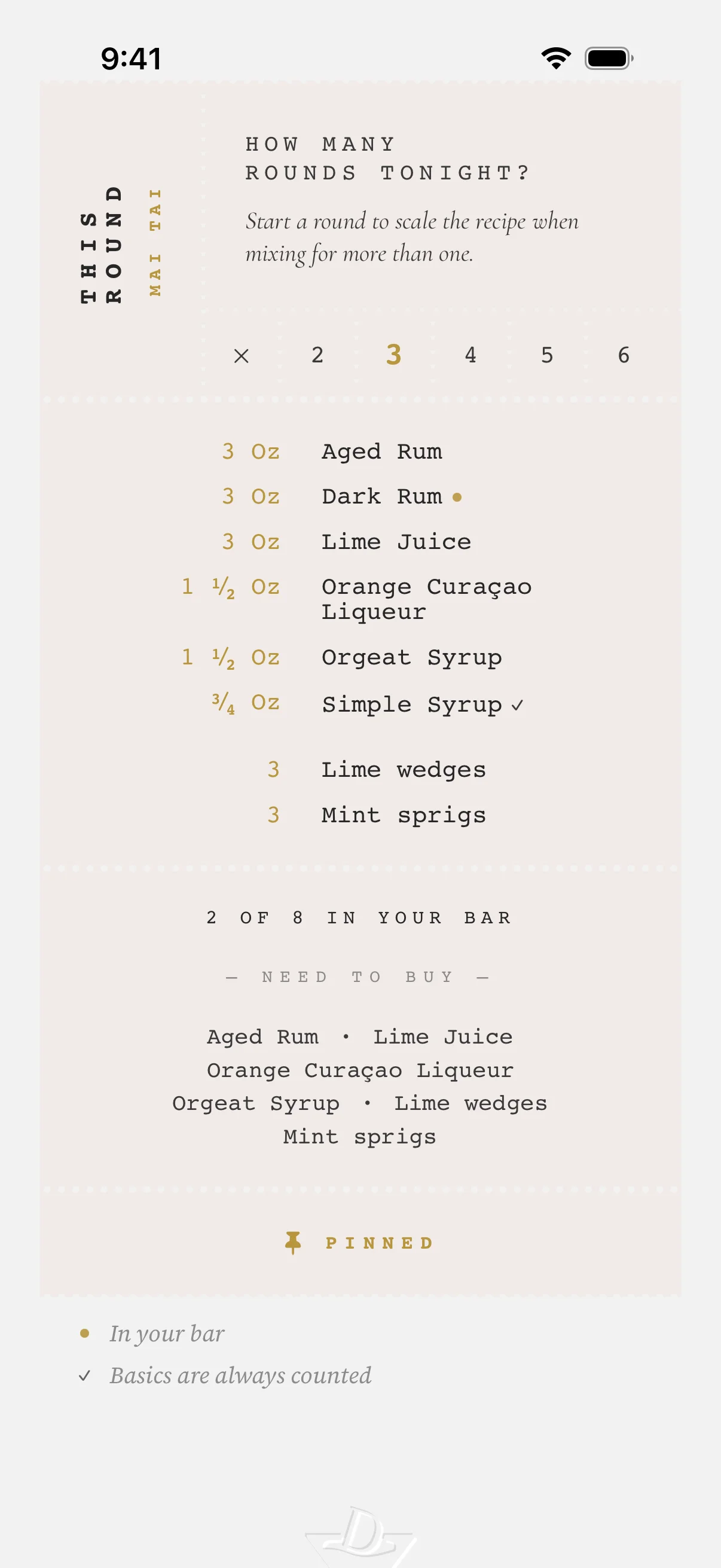
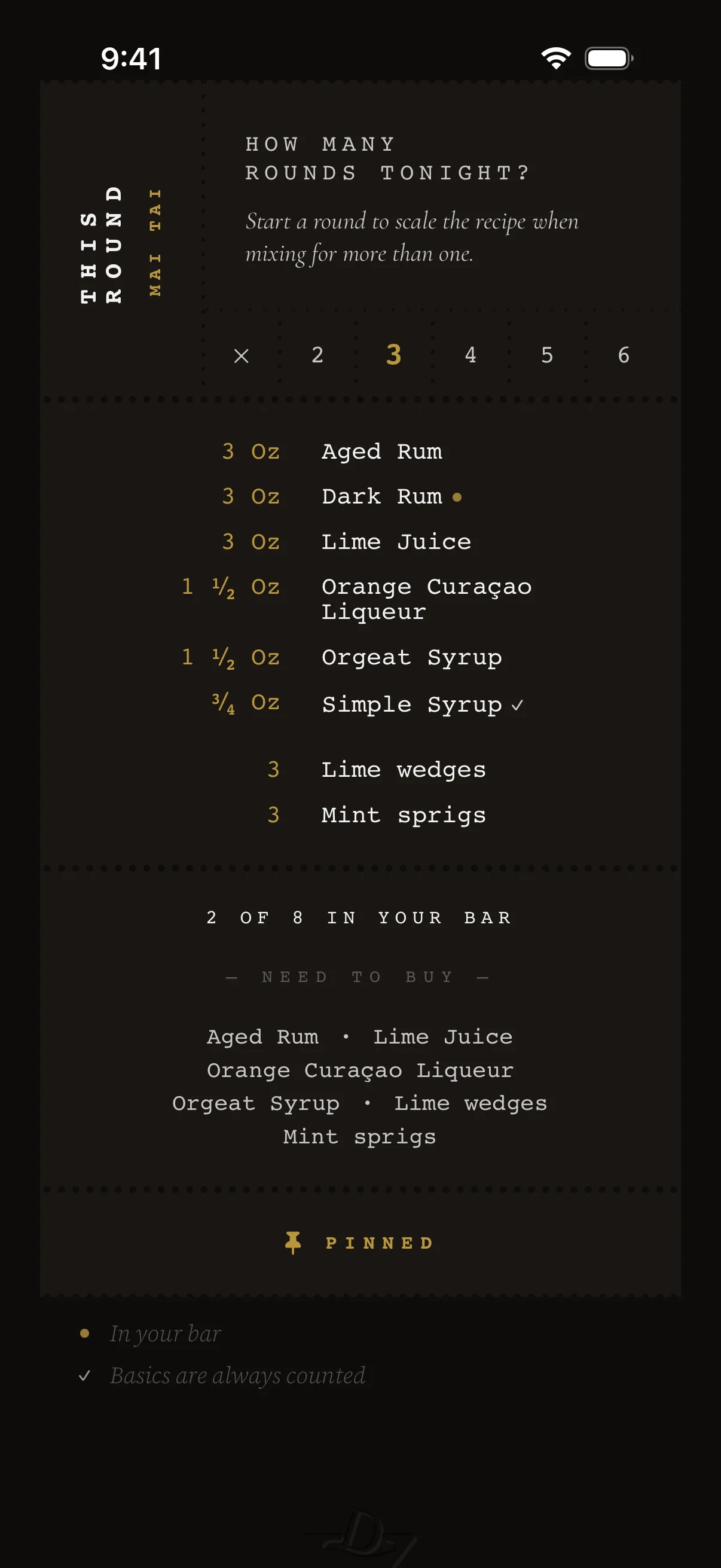
One recipe. Any guest count.
Set the guest count and everything scales in place: quantities, garnishes, prep steps. Dashes and splashes stay per drink — some things shouldn't be math.
Localization. Mixed in your language.
14 languages. Every recipe and every ingredient, in the language you live in.
Built for iOS. Down to the metal.
A modern iOS app, written natively in SwiftUI. Tuned to the latest hardware, woven into the OS at every layer — from Spotlight to the home screen.
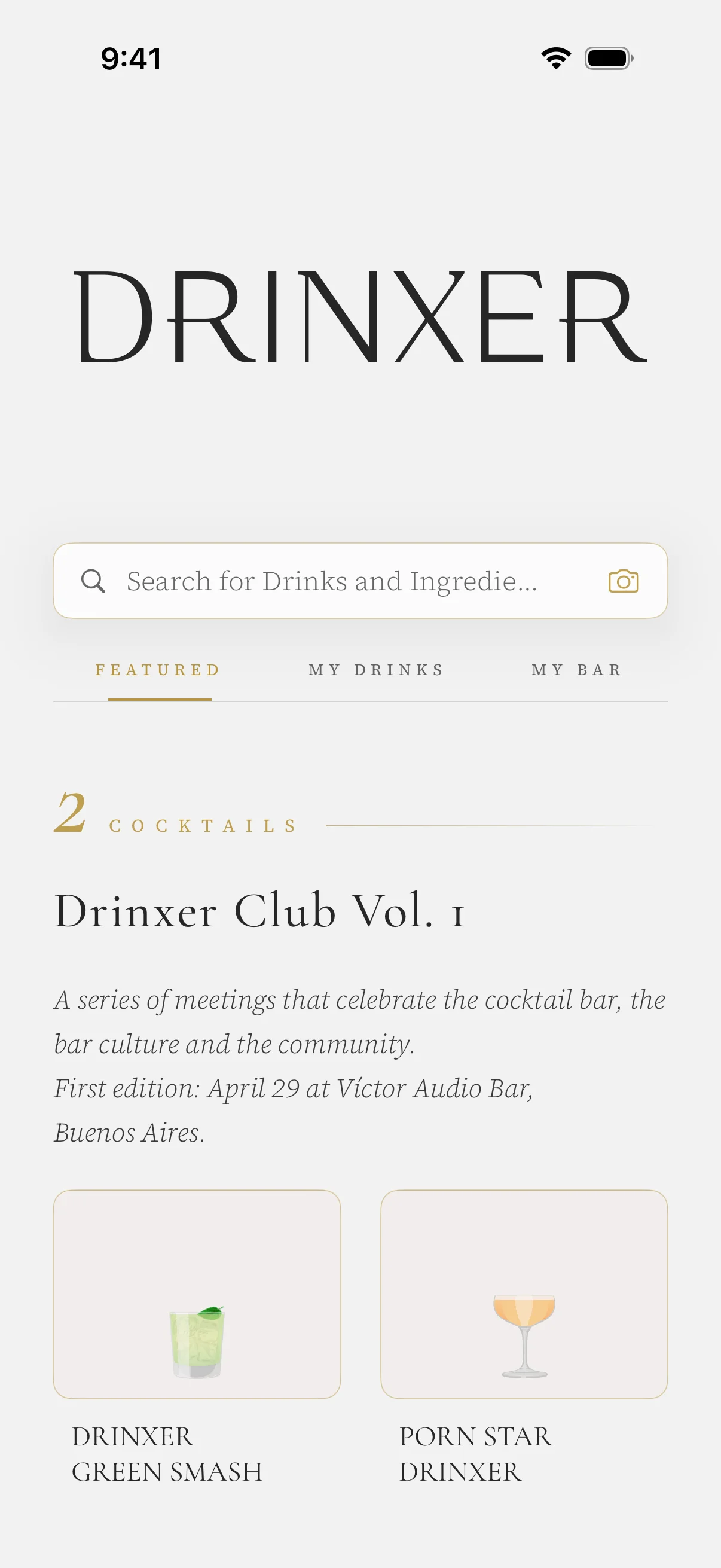
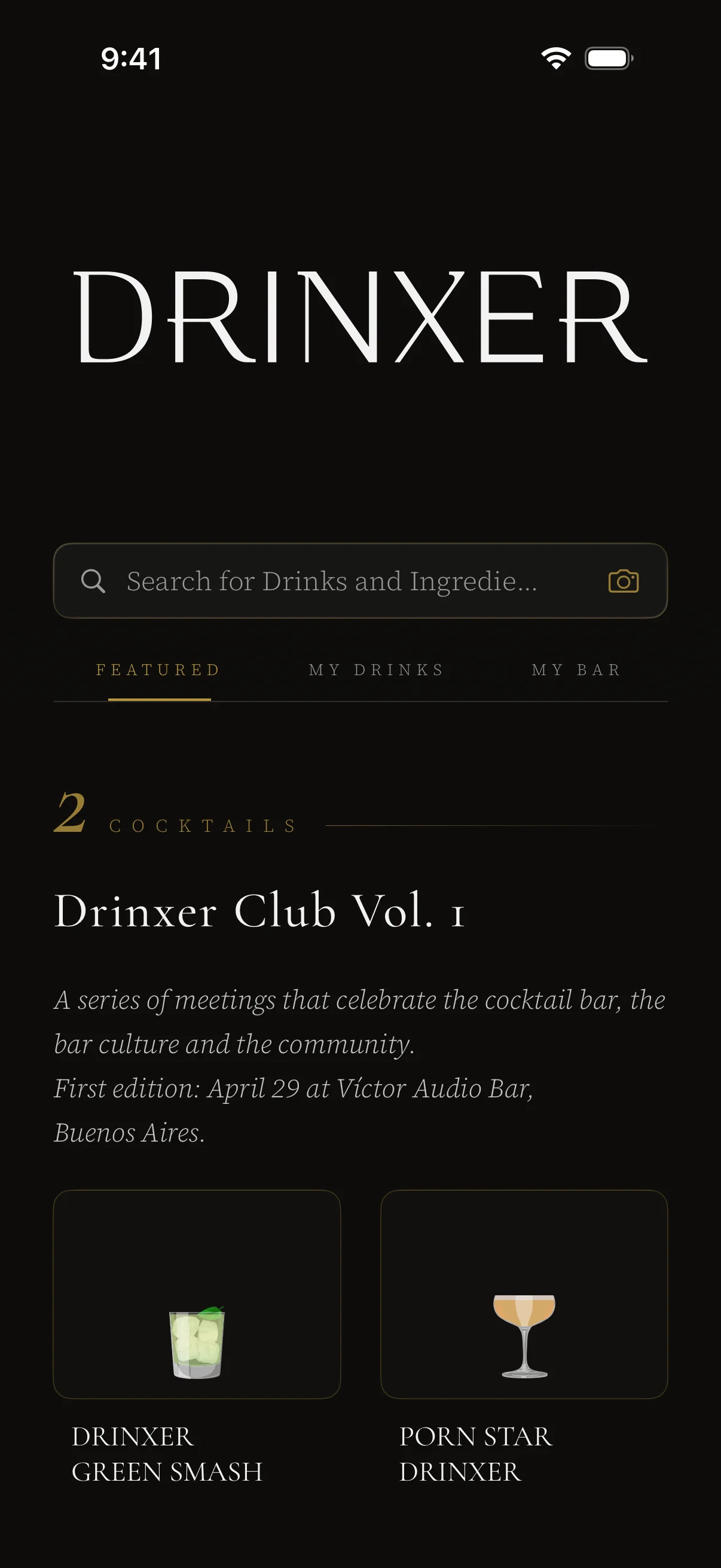
Apple-native. From the ground up.
Drinxer leans on the newest iOS so it can use the latest APIs, animations, and design language — and it shows. Every screen written in SwiftUI. Every interaction tuned to feel native on iPhone.
Mix something worth remembering.
Dark mode by design. iCloud sync built in. Every recipe, beautifully illustrated. For users of legal drinking age.